tool
MOTK Companion beta 2 replaces PowerShell-first installation with a Windows setup
MOTK Companion 0.4.0-beta.2 replaces the first public beta's command-line-first Windows entry with a normal double-click path. After extracting the ZIP, a user opens INSTALL MOTK COMPANION.cmd, chooses a local media folder and camera method in a setup window, and presses Save & Start. Start menu actions can reopen setup, start the local service, copy the private pairing key, or open the exact folder used for local production media. No PowerShell command or system-wide execution-policy change is required.
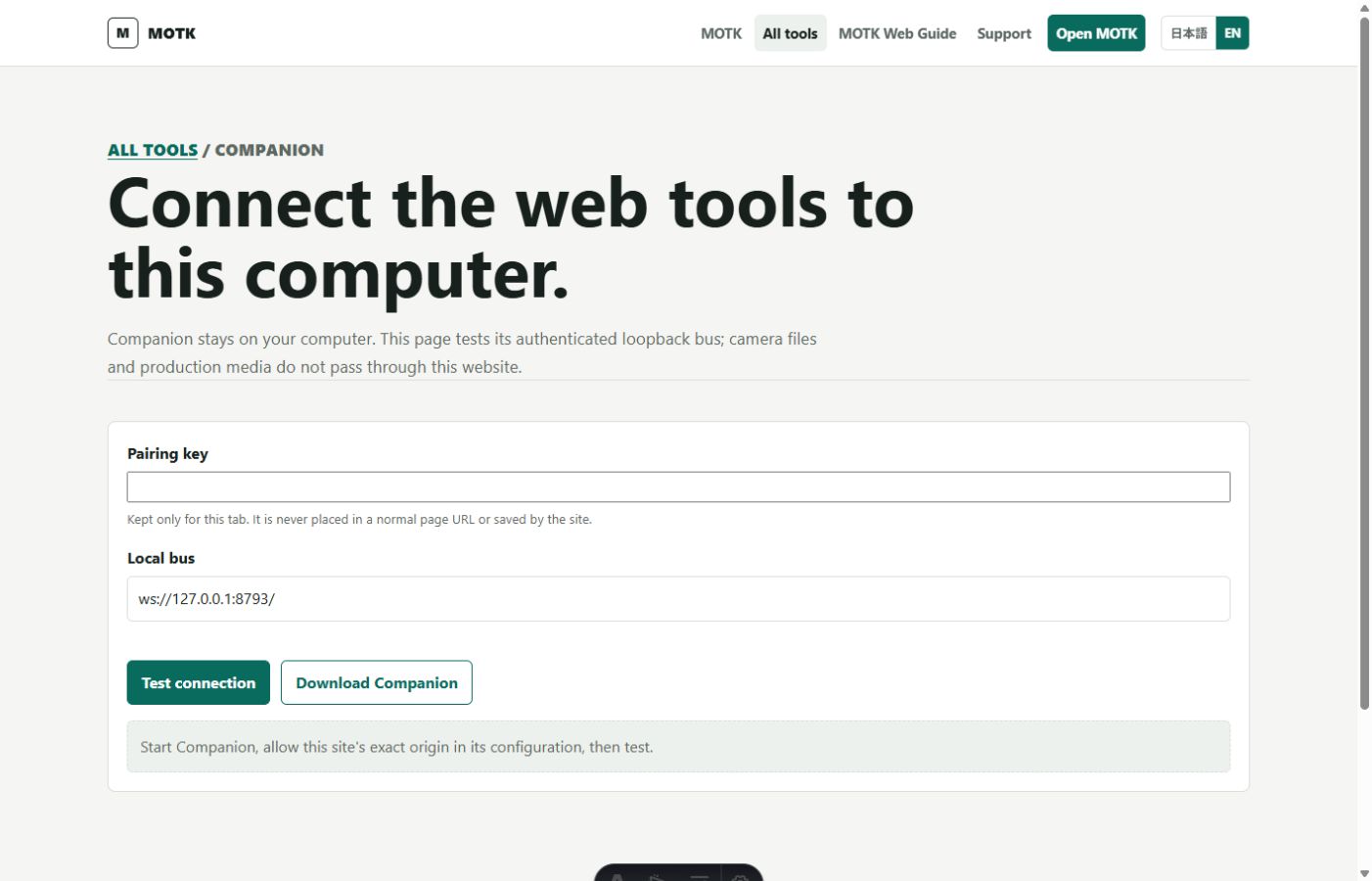
The setup fixes an important clarity problem in the local/cloud boundary. Companion configuration and pairing state remain in the user's local application-data area, while the selected production folder is visible and can be opened directly. MOTK Shoot and MOTK Media Tools connect to Companion over an authenticated loopback connection; camera files and production media do not pass through the public MOTK site unless the owner separately configures an upload target.
The release also completes the Windows camera setup path by forwarding the selected SIGMA Camera Control SDK ZIP, optional camera serial, and digiCamControl command to the protected camera agent. Media Job 1.0, Universal VideoCutter's resumable local execution, originals protection, create-new output and checksum rules are unchanged. The public package passed its deterministic build, tamper rejection, update preservation, launch, diagnostic and data-retention tests before release.
Sources
Listed so you can verify every claim. MOTK Public Site · GitHub Release
Suggest an edit
See something wrong or missing in this story? Edit the fields below or describe the correction in your own words. Everything is optional, and every change is reviewed against a source before publishing.