Two things live on this page: the free tools this project's maintainer
builds and ships (distributed from the MOTK tools site, the umbrella
for all the maker's tools), and a plain directory of the tools the
wider stop-motion industry actually uses — so newcomers can see the
landscape and what free options already exist.
Free tools from this project
Built by this project's maintainer and released free. SMDB introduces
them as part of the industry landscape, but does not send readers
directly to an app, ZIP, or source archive. Every link below first opens
the tool's page on the MOTK Public Site,
where the Web version, downloadable version, requirements, limitations,
and source are explained together.
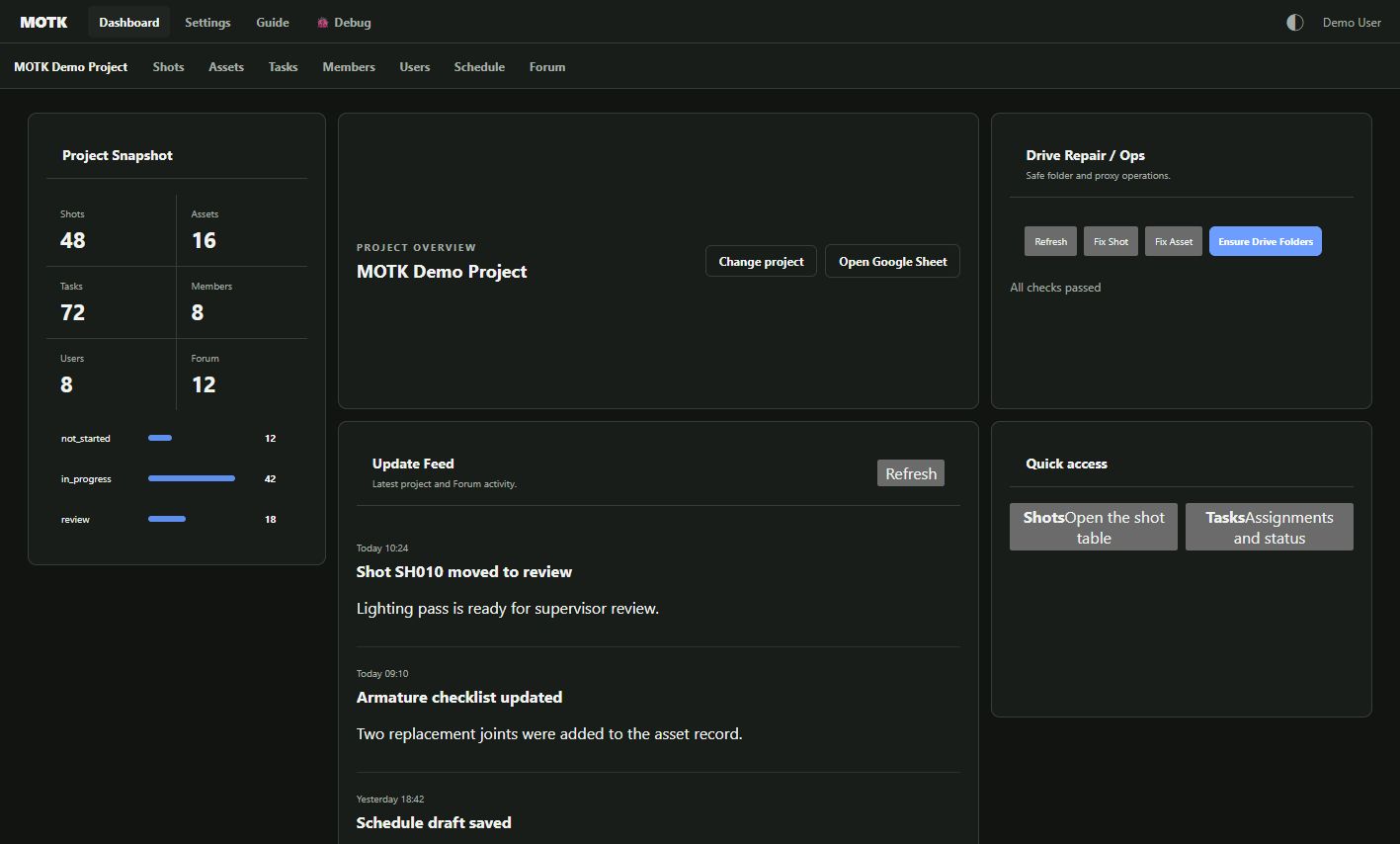
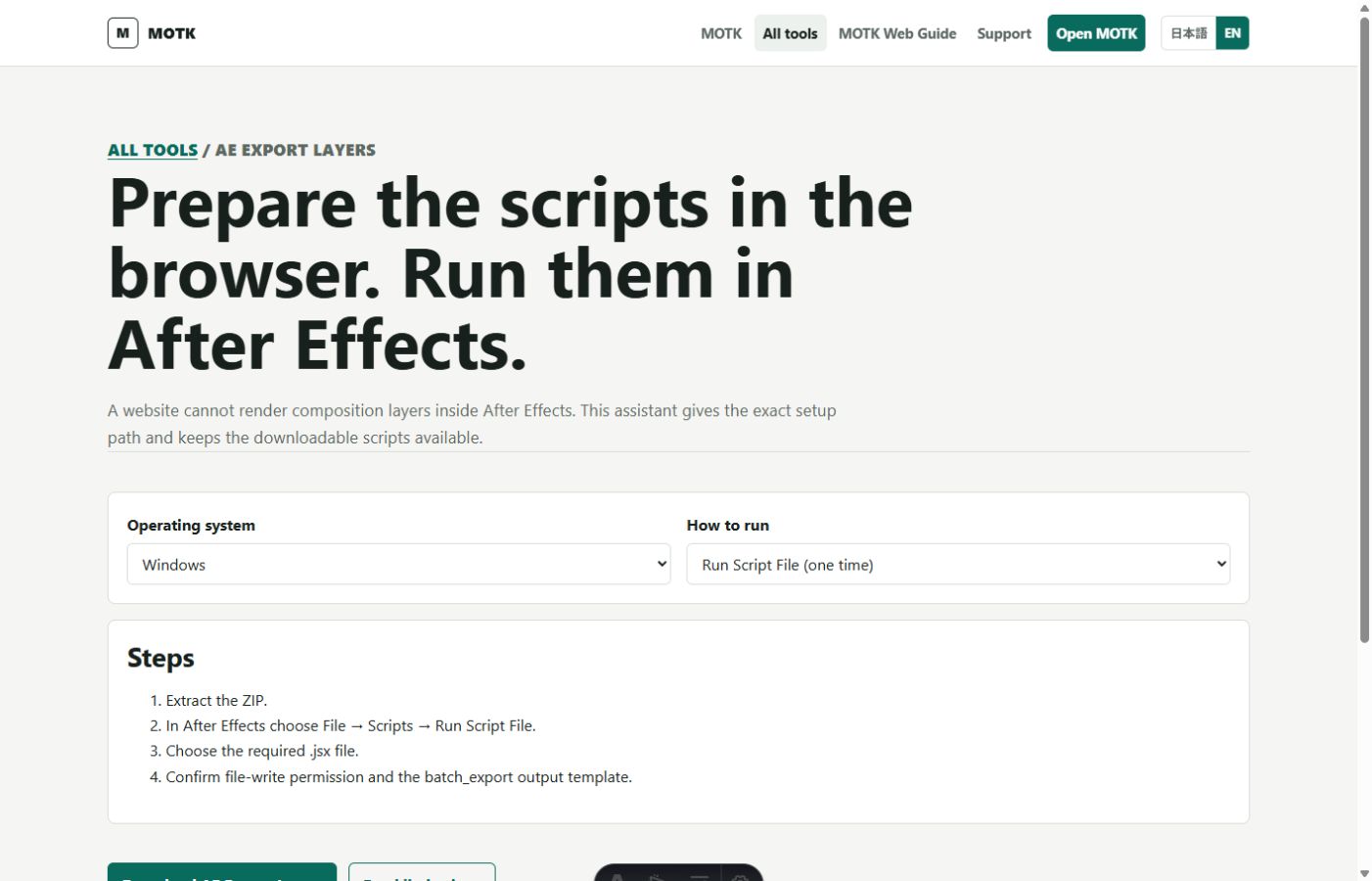
MOTK
MIT · Public beta
Production management for small film, animation and VFX teams. The recommended Web public beta runs in the browser while Google Sheets remains the production-data source of truth and Drive remains the media store.
New Web projects are organized inside one project folder owned by the signed-in Google account. Cloudflare does not own the Sheets or Drive files. The MOTK Public Site explains this structure, the no-install Web edition, and the downloadable ZIP/GAS edition.
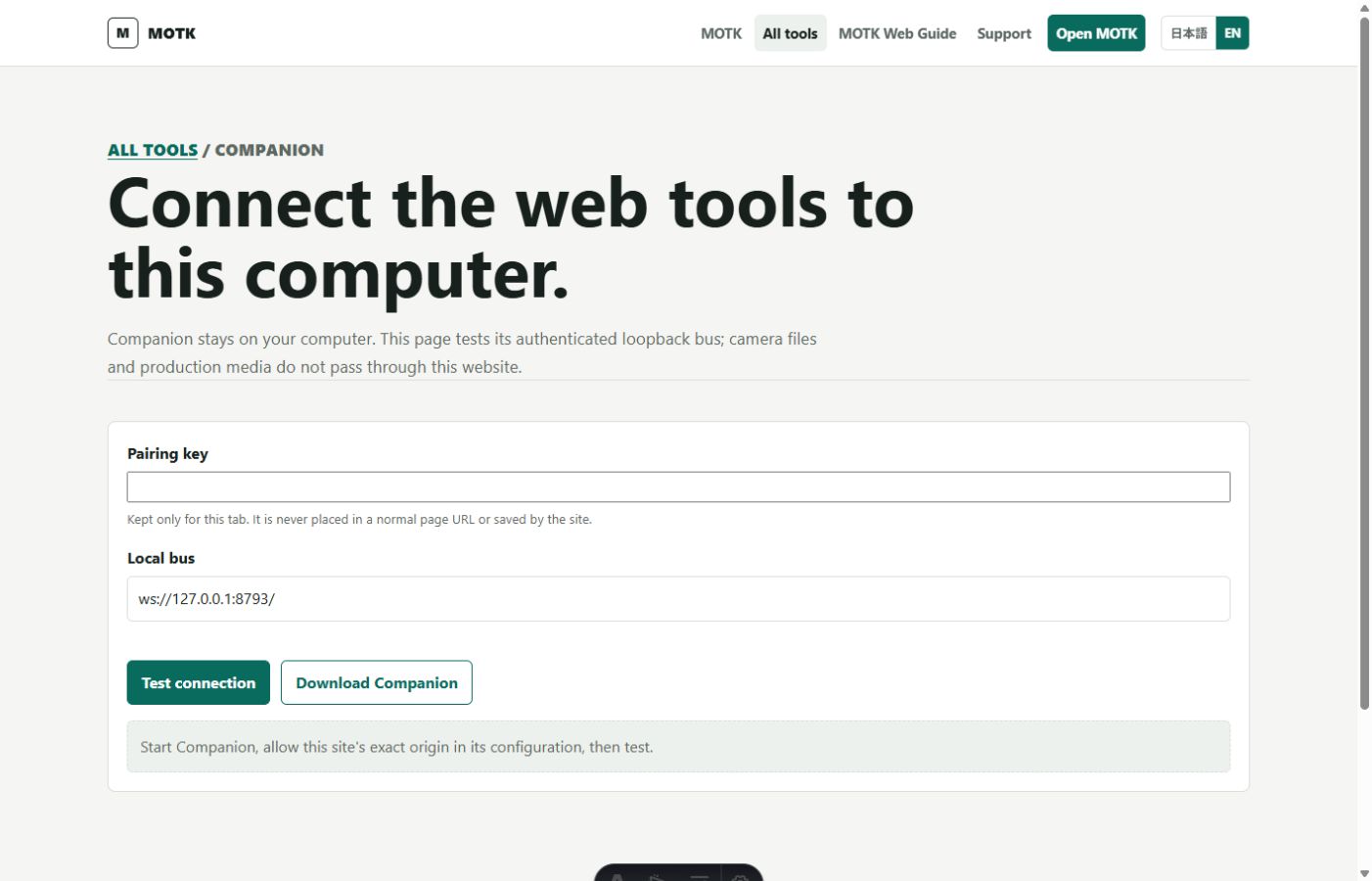
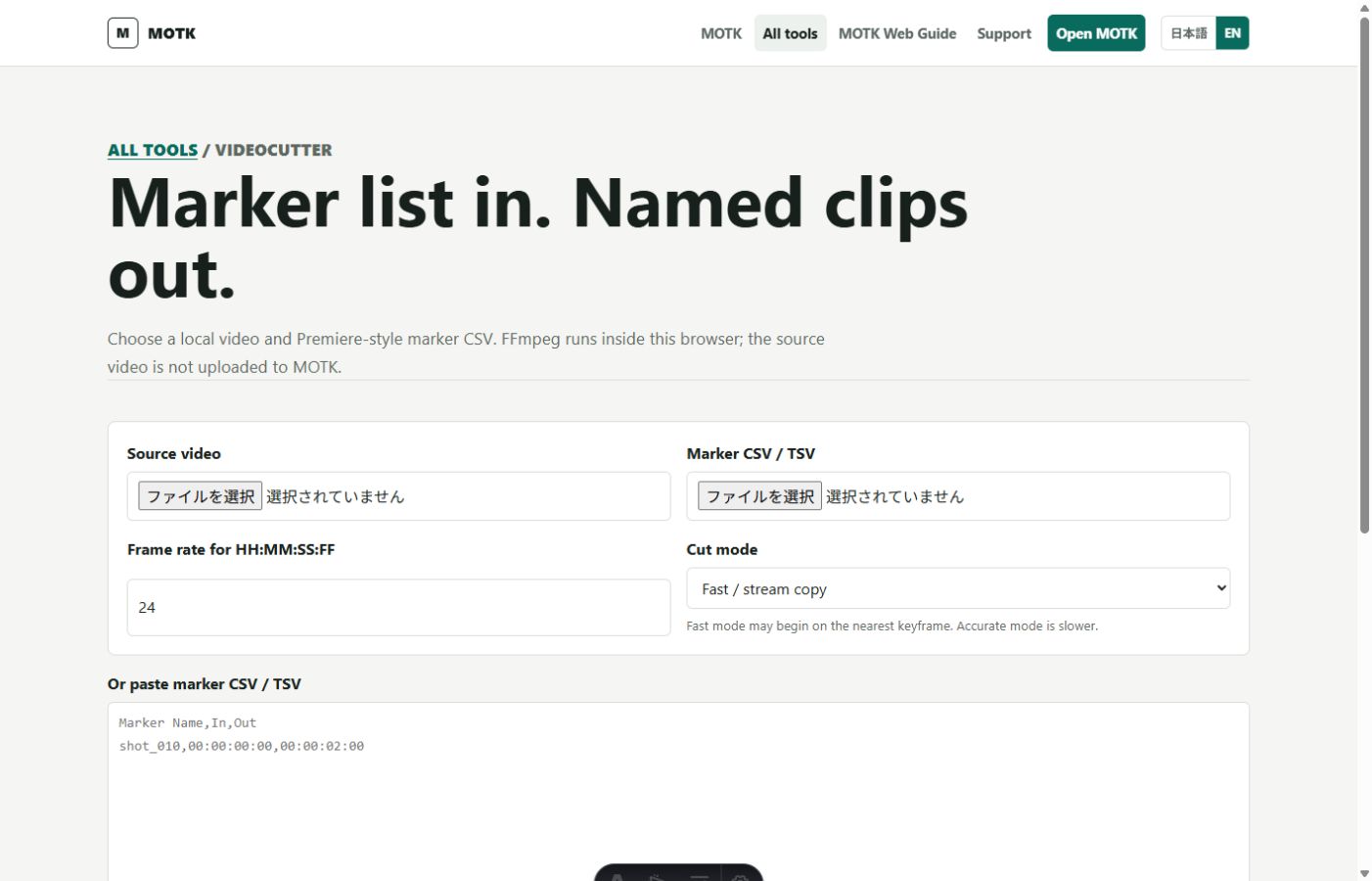
A local companion for camera, folder, encoding, upload, playback and Kdenlive automation. It keeps privileged hardware and filesystem work on the operator's machine while pairing it with hosted MOTK tools.
Read the supported-operation and hardware limitations on the Public Site before downloading the Windows package.
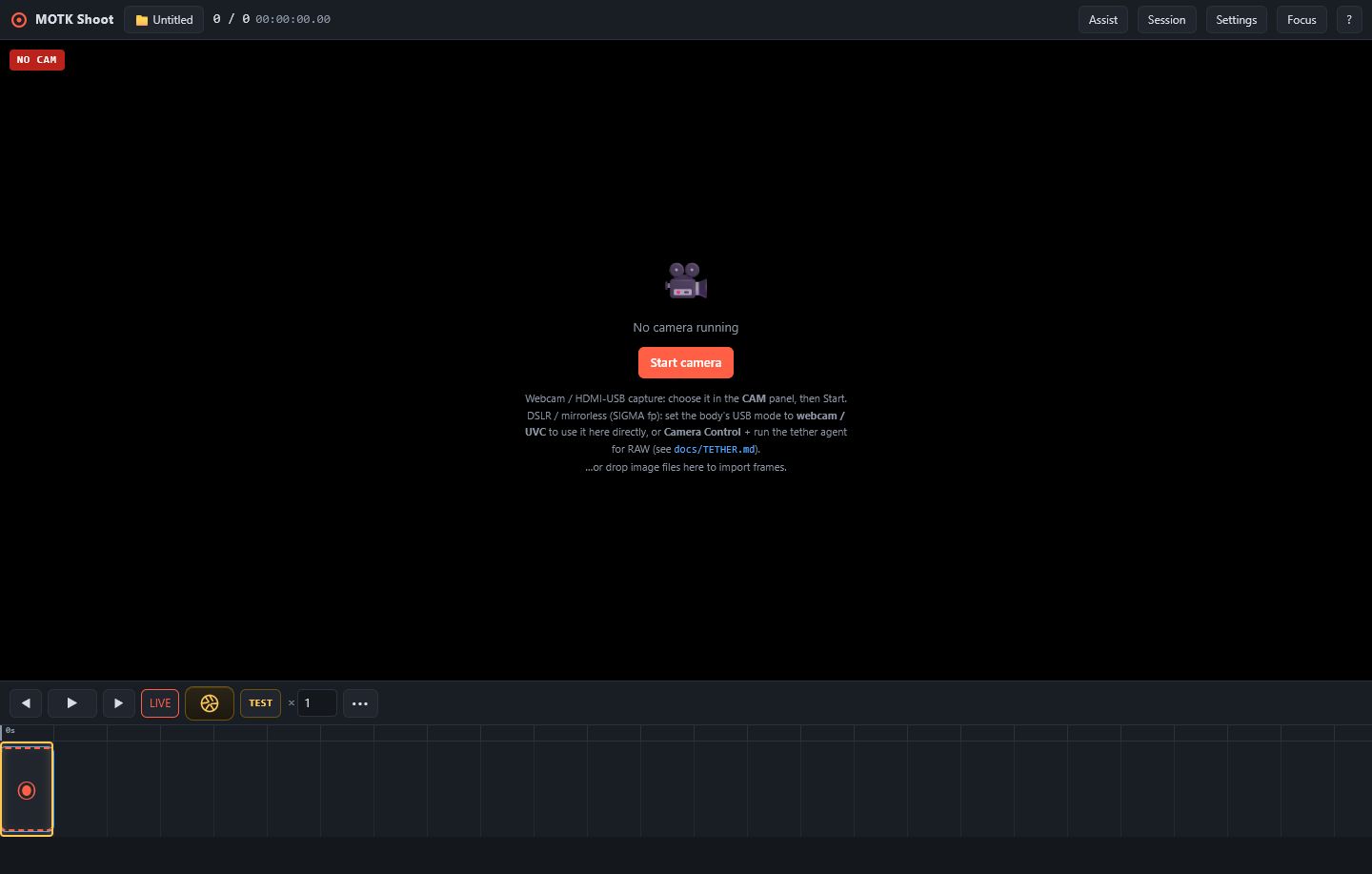
Free stop-motion capture for phones, tablets and desktops. The camera-room-first workspace keeps shooting visible, Focus mode can hide every control, and Session receives prepared Shot/Take context without managing the production.
No install or account is required. Browser recovery storage is automatic; supported desktop browsers can mirror JPEGs to a chosen folder, while iPhone/iPad can save or share a backup. The optional Companion handles RAW, vendor SDKs and trusted production roots.
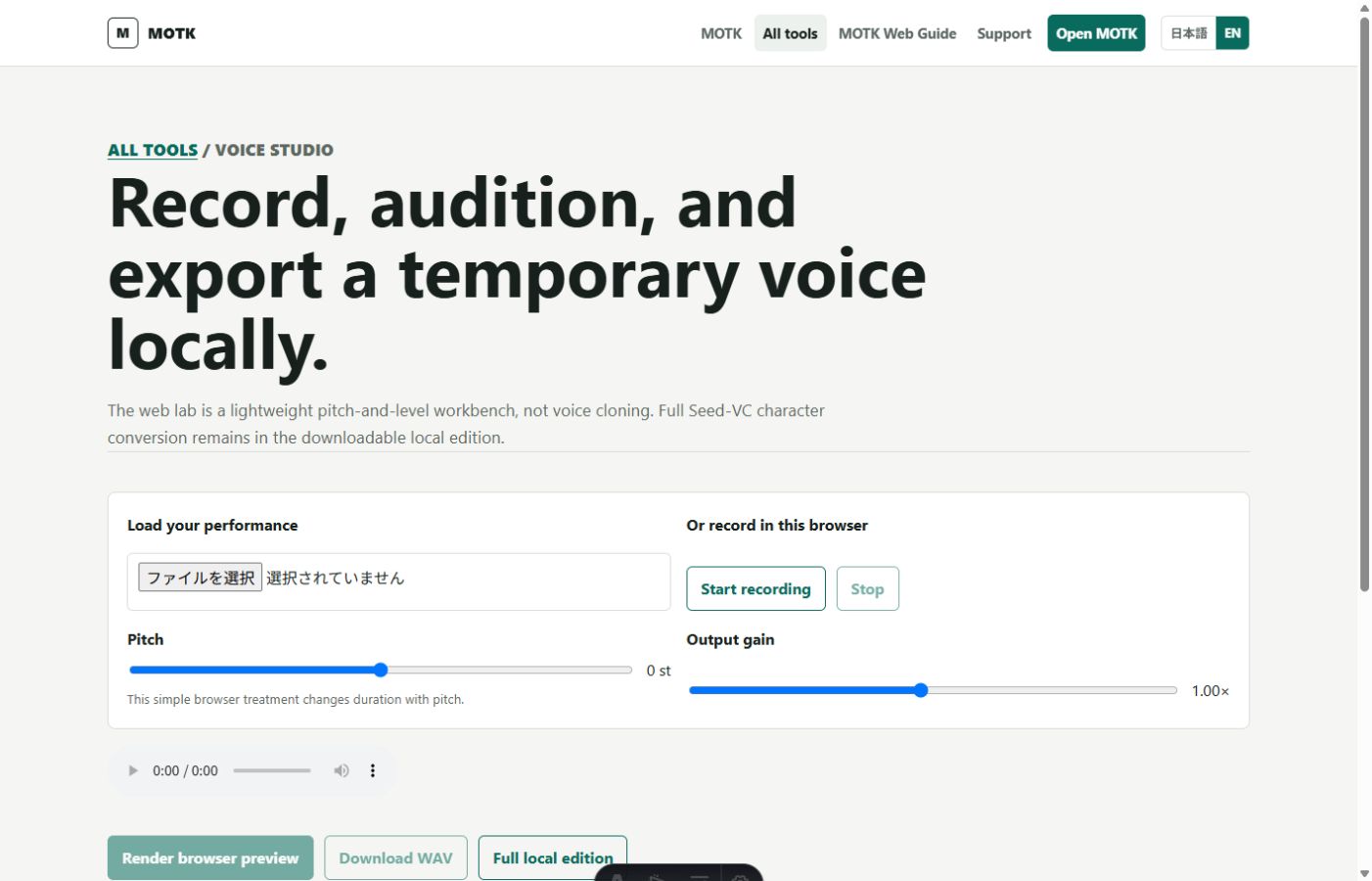
Offline character-voice converter for temp dialogue: performs-in, character-voice-out, preserving the actor's timing and intensity. Dummy backend runs with no model; Seed-VC opt-in.
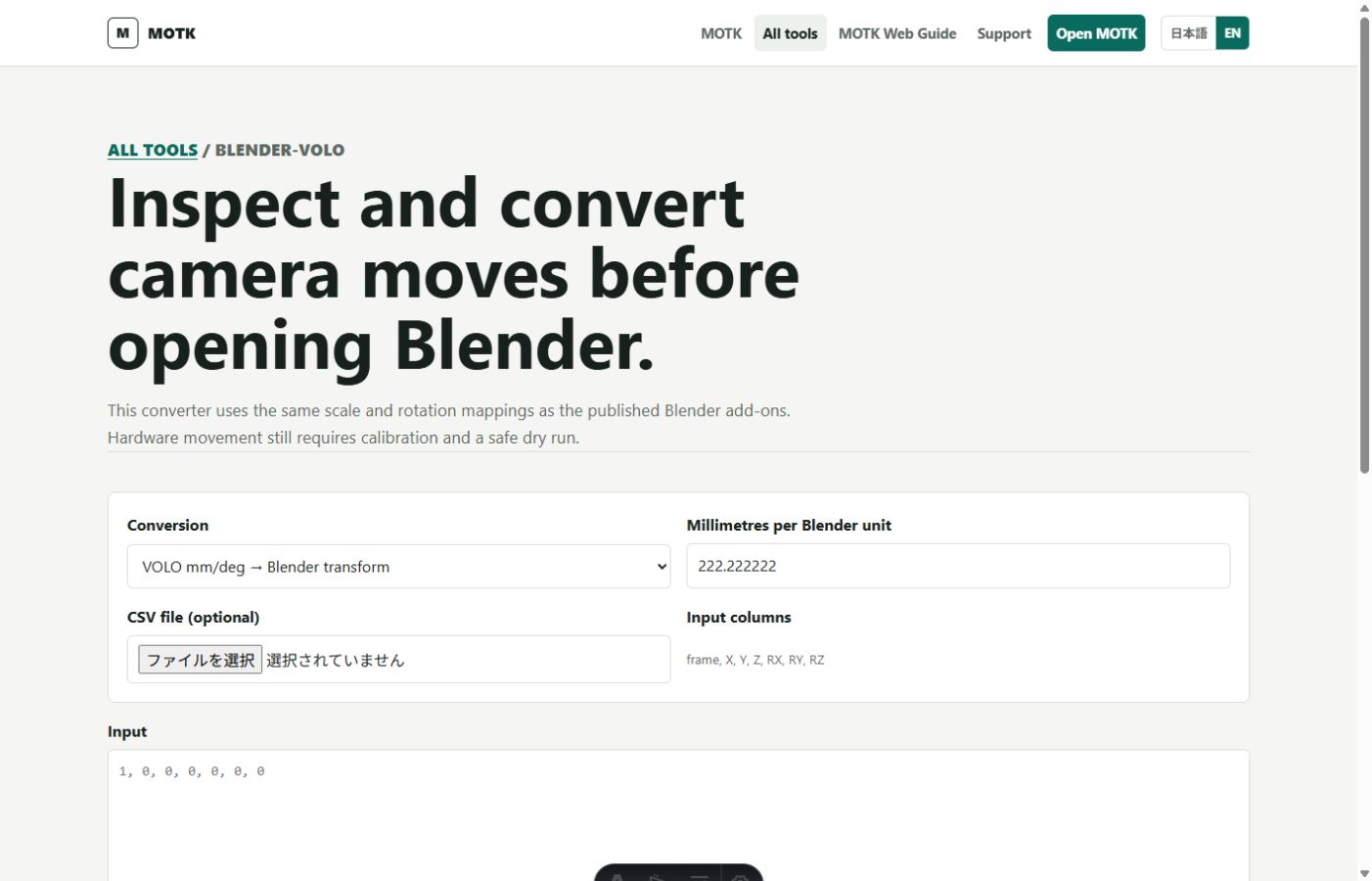
Blender add-ons that exchange camera moves with a VOLO motion-control rig as per-frame CSV — design a move in 3D and run it on the rig, or previsualize a rig move in Blender.
A directory, not a how-to — for step-by-step technique and workflow
guides, see the Wiki. Free entries below are framed
as lowering the entry barrier, not as replacements: Dragonframe, for
example, remains the professional capture standard the free capture
tools coexist alongside.
Production tools grouped by category, pricing model, and purpose
An editing, color-grading and audio-post application with a capable free edition and a paid Studio version for extra features.
Free means free
No tool this project ships is paid, and nothing that helps an artist get
found is ever paywalled. Support for the tools' upkeep will come from
optional donations once the site's donation channel opens — never from
sales.