tool
MOTK Companion beta 3 makes running Windows updates transactional
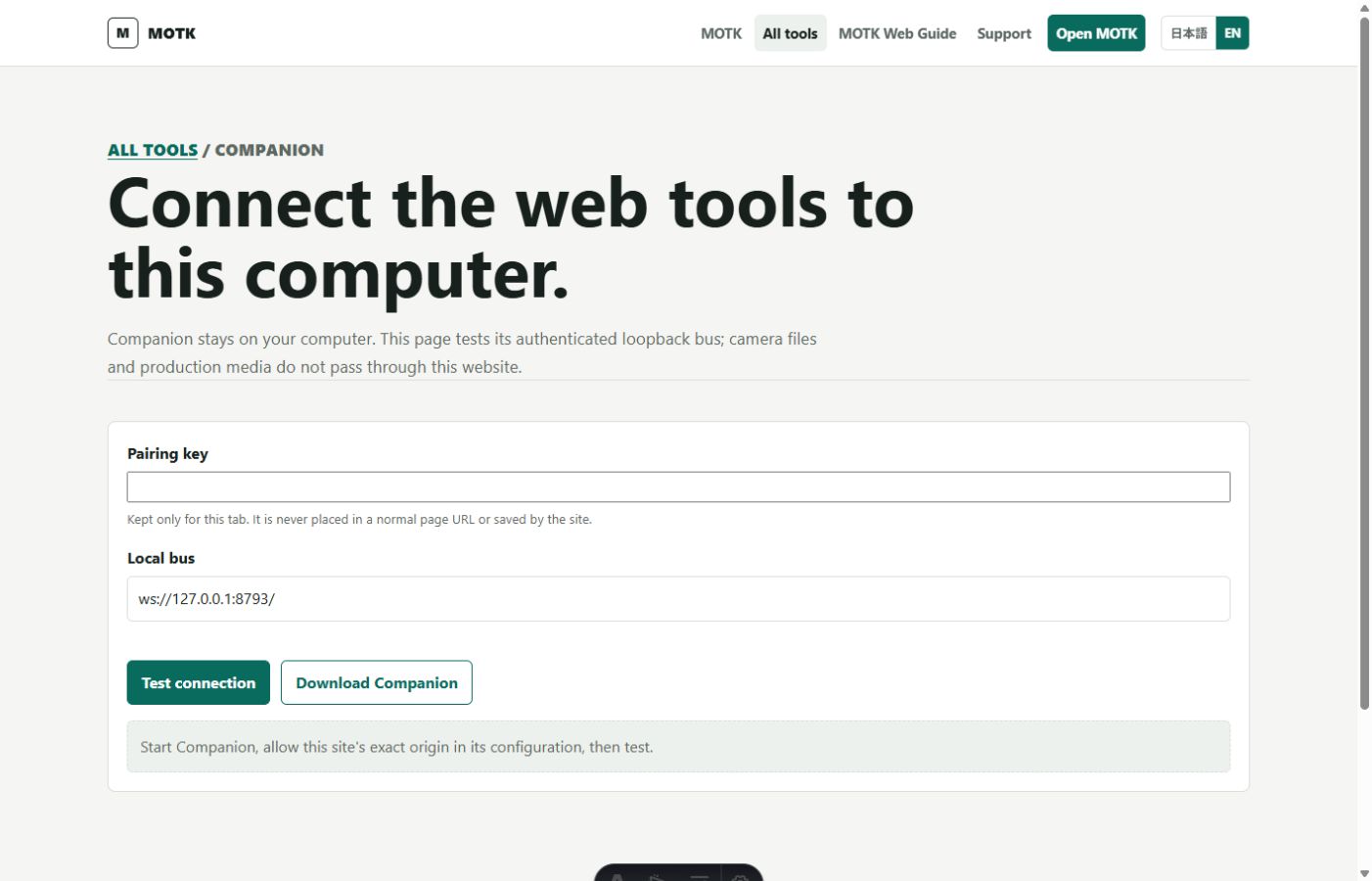
MOTK Companion 0.4.0-beta.3 fixes a Windows update failure discovered immediately after the visual installer was released. When Companion was still running, the earlier installer tried to move its live application directory and Windows refused access to the active app files. That attempt could leave the application folder partially moved even though configuration, pairing keys, job history and production media remained safe in their separate data locations.
The new installer detects only processes running from the installed Companion runtime and stops them before touching application files. It first copies the existing application as a rollback, then swaps the staged and installed directories within the same parent folder. If the swap fails, it restores the untouched old directory. A pre-existing incomplete installation is preserved as partial-recovery evidence but is not offered as a valid rollback. A normal update restarts Companion automatically; the double-click installer continues into the visual Setup and starts it after Save & Start.
The release was tested by updating an actively running installed Companion, confirming the old process exited and the replacement restarted, then verifying that configuration, pairing key and job-journal hashes were unchanged. The package also retained its deterministic ZIP, tamper rejection, diagnostics, data-preserving uninstall, Media Job 1.0, Universal VideoCutter safeguards and originals protection. A real partially moved installation on the development PC was repaired with the same beta 3 package and returned a healthy 0.4.0-beta.3 status.
Sources
Listed so you can verify every claim. MOTK Public Site · GitHub Release
Suggest an edit
See something wrong or missing in this story? Edit the fields below or describe the correction in your own words. Everything is optional, and every change is reviewed against a source before publishing.