tool
MOTK Companion beta 4 reduces Windows control to Shoot and Files
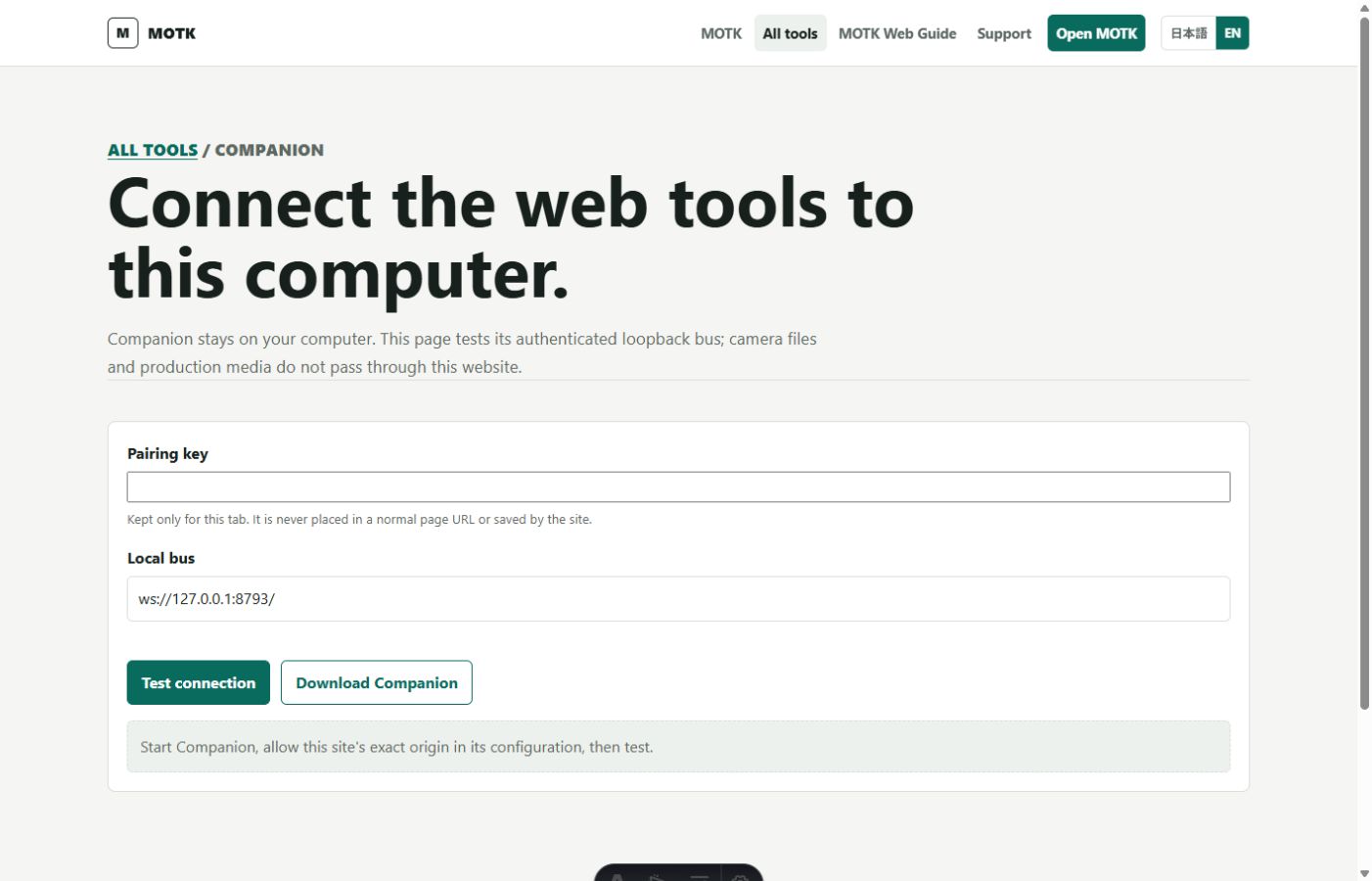
MOTK Companion 0.4.0-beta.4 replaces the earlier collection of setup, start, pairing-key, folder, documentation and maintenance entries with one visual Windows Control Center. Its normal surface has two large actions: Shoot opens MOTK Shoot, and Files opens the exact local production folder. Storage, camera method, SIGMA SDK selection, manual pairing for another device and Media Tools remain available behind Settings instead of competing for attention during normal capture work.
Shoot now carries the local pairing key to MOTK Shoot in a URL fragment, which browsers do not transmit to the website. MOTK Shoot consumes the fragment, removes it from browser history immediately, keeps the key only for the current tab and starts the authenticated loopback connection automatically. Manual copy-and-paste remains available for a second device, but it is no longer the ordinary Windows workflow.
The extracted release shows only the installer and an internal folder. After installation, the application folder shows only MOTK Companion.exe and the classified internal folder, while the Start menu contains one Companion entry. The release was installed and visually inspected on the development Windows PC, including the main Control Center and first-run settings view. Automated checks also covered deterministic packaging, tamper rejection, update while the Control Center and services were running, automatic restart, configuration and pairing-key retention, job-history retention, authenticated bridge startup, safe media writes, and the new fragment-pairing lifecycle.
Sources
Listed so you can verify every claim. MOTK Public Site · GitHub Release
Suggest an edit
See something wrong or missing in this story? Edit the fields below or describe the correction in your own words. Everything is optional, and every change is reviewed against a source before publishing.